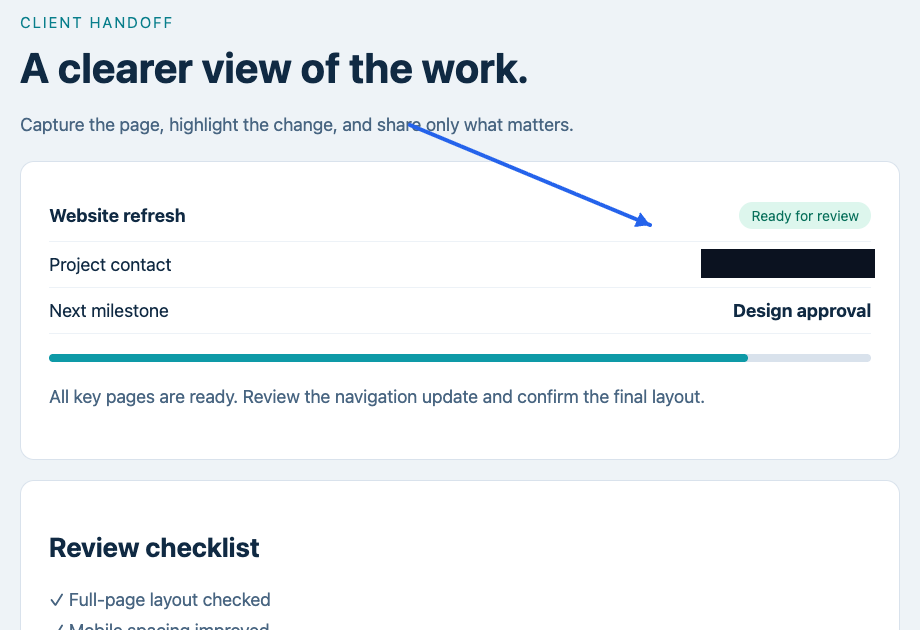
Sticky headers
Handles persistent headers, fixed toolbars, and long scroll layouts cleanly.
Private screenshot workspace for Chrome and Firefox
Full-page screenshots, redaction, annotation, history, and export tools that stay in your browser.Capture, annotate, redact, and export—all in your browser.
Free on Chrome and Firefox. Install from the Chrome Web Store (also works in Microsoft Edge and other Chromium browsers) or from Firefox Add-ons for Firefox 140 and newer. Desktop browsers only.
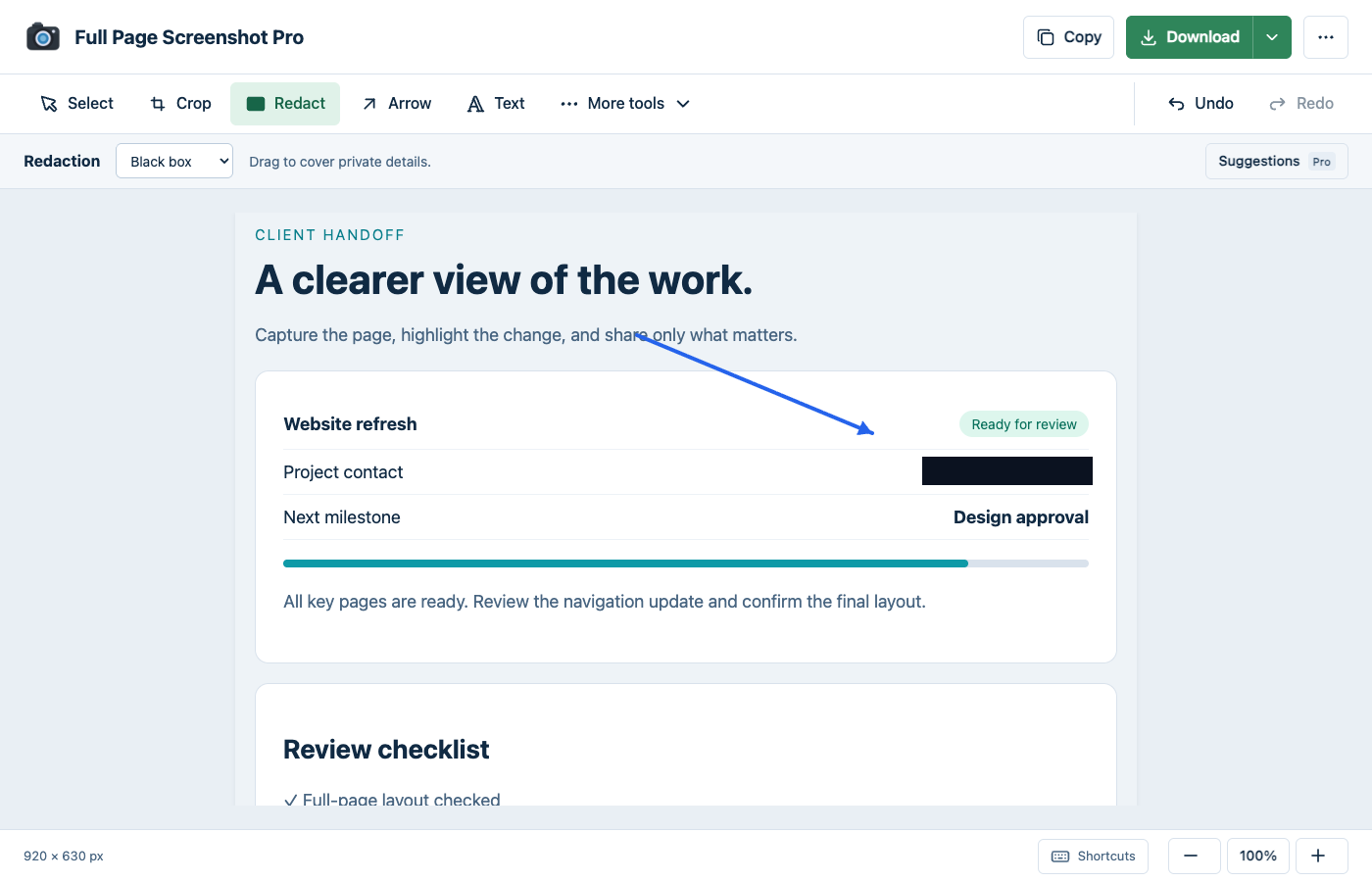
See the actual workflow
Real extension screens using a fictional project page. Core capture, editing and export are free.
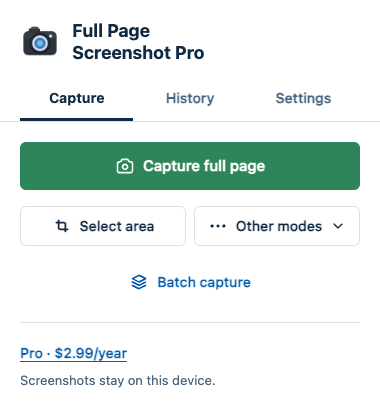 Enlarge screenshotEnlarge screenshot
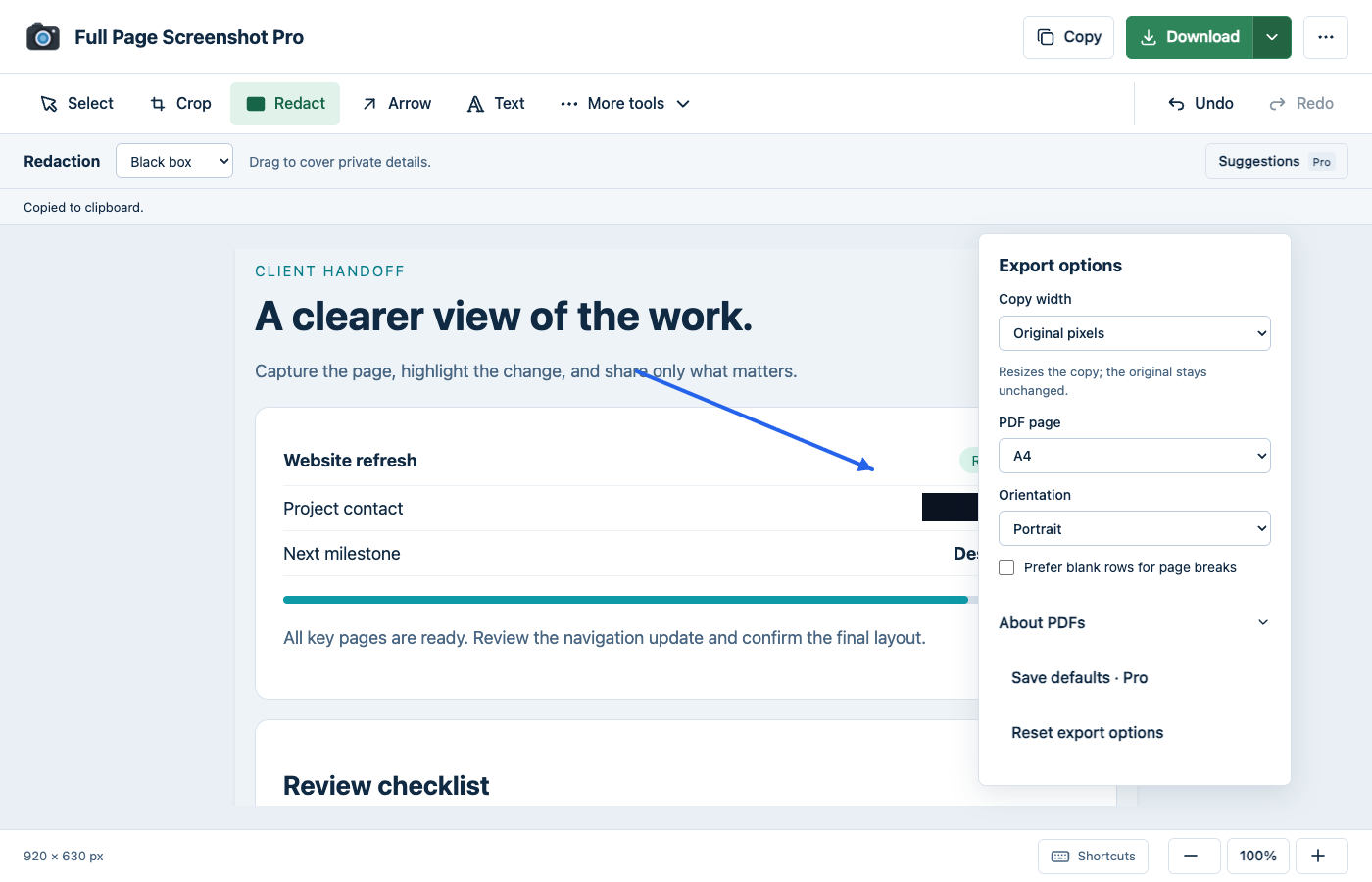 Enlarge screenshot
Built for hard pages
Capture long pages, tricky layouts, and selected areas, then finish the screenshot locally.
Handles persistent headers, fixed toolbars, and long scroll layouts cleanly.
Primes long pages so images and dynamic sections are included before capture.
Captures content inside overflow containers and side panels.
Capture exactly what you need, not the entire page.
Captures supported embedded content as part of the page.
Export as PNG, JPEG, WebP, or PDF for reports, docs, and sharing.
Privacy-first by design
Privacy and trust
Full Page Screenshot Pro keeps capture, editing, history, and export local to your browser.
Screenshot content stays in your browser unless you choose to export or share it.
Ordinary capture uses temporary access to the tab you choose. Batch and scheduled capture request optional access to other sites.
Recent captures and edits stay in local browser storage. Pro license verification contacts Polar; screenshot pixels are never sent.
Simple pricing
Start free. Upgrade only if you want deeper local history and Pro workflow tools.
Available on the Chrome Web Store and Firefox Add-ons.
Founding price until Dec 31, 2026 · regular price $7.99 / year
Available on the Chrome Web Store and Firefox Add-ons.
Install the extension, open Pro, and buy through Polar. Copy your license key from the customer portal, then choose Activate a license → Activate in the extension. No account is needed for Free.
$3.99 is the annual founding total before any applicable tax for subscriptions started by December 31, 2026, and stays your renewal price for as long as the subscription is active. From January 1, 2027 new subscriptions are $7.99 per year. Up to five active browser profiles/devices. Manage billing, cancellation and devices. Pro requires periodic license verification; screenshots stay on this device.
Questions, answered
No. Captures are processed and stored in your browser. There is no screenshot cloud workspace.
Desktop Chrome from the Chrome Web Store, which also covers Microsoft Edge and other Chromium browsers, and desktop Firefox 140 or newer from Firefox Add-ons. On Firefox the quick-capture shortcut is Alt+Shift+S, because Firefox keeps Ctrl+Shift+S for its own screenshot tool. Mobile browsers are not supported.
Hard-page capture primes lazy content and handles long pages, sticky UI, and scrollable areas.
Recent captures stay on this device. Free keeps the latest five captures. Pro keeps up to 100 within a 150 MiB image budget, including up to 10 pins. Very large captures use more space. Saved Pro captures remain available to open and export after expiry; new Free captures still use the five-capture limit.
PNG, JPEG, WebP, PDF and copy to clipboard are included in Free. Choose a screenshot-sized PDF or printable A4/Letter pages. Copy original pixels or explicitly resize for a document. PDFs contain images, not searchable text.
Yes. Manual black-box, blur and pixelate tools are included in Free. Use a solid box for details that must be hidden, and review the exported image before sharing. Pro adds optional suggestions; they do not replace your review.
Supporter Pro is $3.99 per year for founding subscribers who start by December 31, 2026, and $7.99 per year for new subscriptions from January 1, 2027. Founding subscribers keep $3.99 per year for as long as their subscription stays active. It is billed annually with up to five active browser profiles/devices and renews yearly until canceled. Cancel future renewals in the customer portal; access continues until the paid period ends. Taxes may apply.
Purchases are handled by Polar, the merchant of record. For refunds or license problems, contact support and we'll sort it out.
Use the contact form on the support page. Messages are read personally and usually answered within one to two business days.
Private screenshot workspace
Add Full Page Screenshot Pro to Chrome or Firefox and keep screenshots local from capture to export.